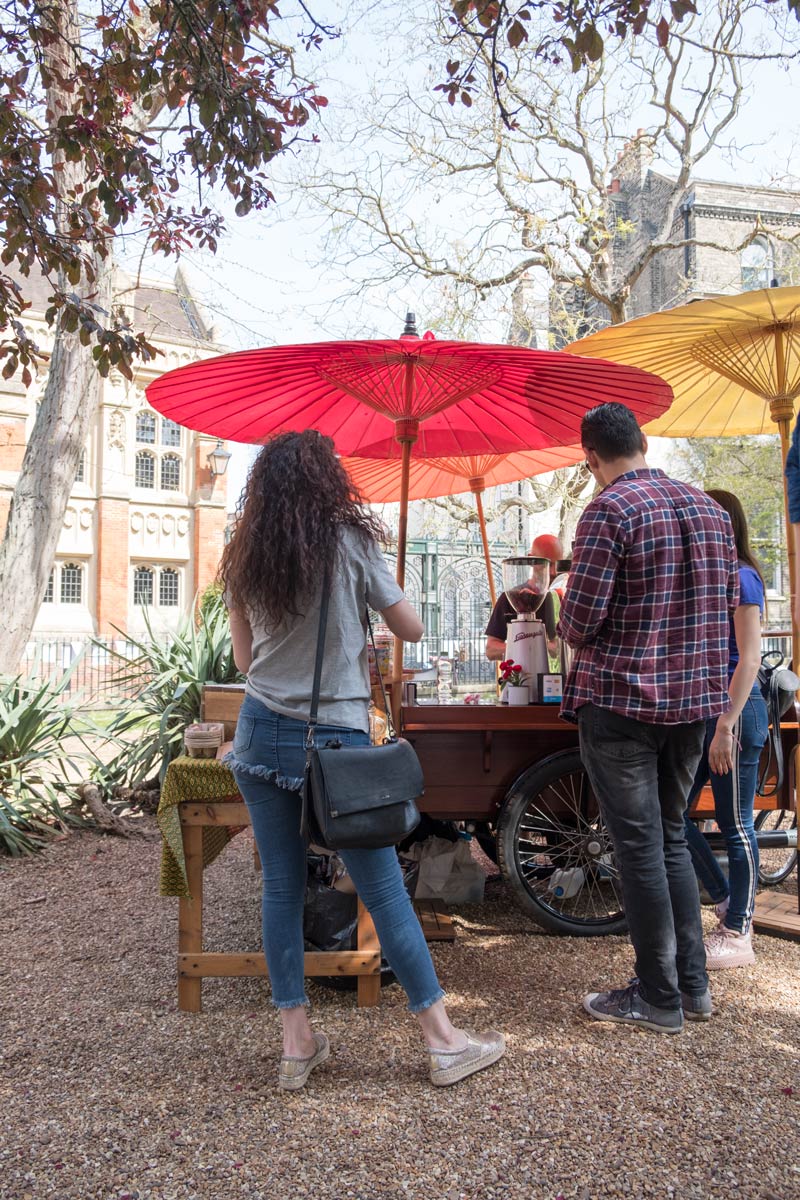
I took this shot while drinking a coffee. I’d been speaking with the man who owns the coffee stall. He normally comes with a tuc-tuc that has his coffee machine built into it. It’s crazy, but it makes the coffee taste better to see it served from that exotic little tuc-tuc.
Today he came with this arrangement, which is pedal powered. He talked about selling it, and so while I was sitting sipping my coffee I looked the machine over and admired the parasols. I took a shot, and straight out of the camera it was too dark. I shot in manual mode, so the darkness was entirely down to user error.
It’s easier to recover the information when a shot is too dark than when it is too light. And in Lightroom I just gave it one click on ‘Auto’ and it corrected all the darker parts. It also lightened up the lighter parts. So for a final flourish, I took the un-clicked version and plonked it on the lightened version and then combined the best of both.
You can see versions 1, 2, and 3.
Really though, I am just pleased with the colour rendition and the sharpness of the camera. The image looks film-ic – not digital – just natural.
I bought the camera about three months ago and hardly used it until the sun came out a few days ago. It’s a Fuji X-T2 with 18-55mm lens, and the EXIF data tells me I took the shot at 1/250th second at f4.0 with the lens at 18mm and ISO 200.



Leave a comment