The Eternal Traveller mentions that she uses Picmonkey to resize her images for the web.
Picmonkey is an online solution – and it’s easy to use. Just upload an image; resize it to the desired dimensions and save at one of three qualities (with three file sizes of course).
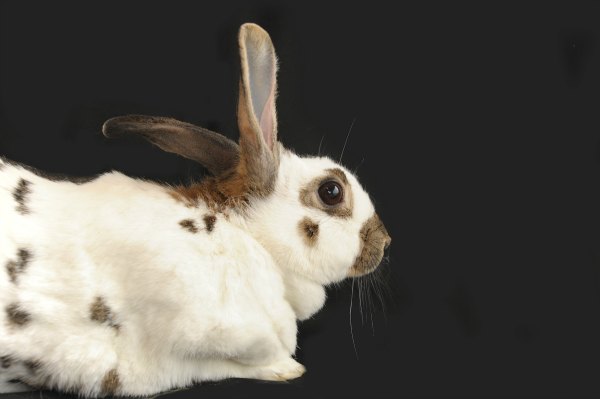
Here is a photo of a rabbit that I processed in Photoshop at 42% (that’s a fairly high quality for the web) which gave me a file size of 14KB.
And I also resized and saved at the lowest quality with Picmonkey, which gave me a file size of 37KB.
What do you think? The top one is the one I processed in Photoshop. I think there is more detail in it than in the Picmonkey version, but both are fine for the web.
So that’s a useful suggestion from Eternal Traveller, and one that can be accessed anywhere there is an internet connection and with no need to use a program on one’s computer.


Leave a Reply to timethiefCancel reply