Photoshop has changed. Until recently, when I went to export an image to make a web-sized JPEG, I would be presented with a scale from zero to 100% at which to save the image.
Then Photoshop updated. From what I read, it may have updated earlier on Windows machines, but I am on a Mac and the update has just happened.
I didn’t think much about the update until I went to export an image yesterday. Instead of a scale from zero to 100% I was presented with options to save on a scale from very poor to excellent.
My first thought was that Photoshop was dumbing down.
I looked in the ‘preferences’ and I saw that I could reactivate the legacy version of ‘export as’, and then I could see the zero to 100% option.
But somehow I want to go with the latest options because who knows how long legacy options will remain. So the question was whether the new options actually produced worse, better, or the same quality as the old options.
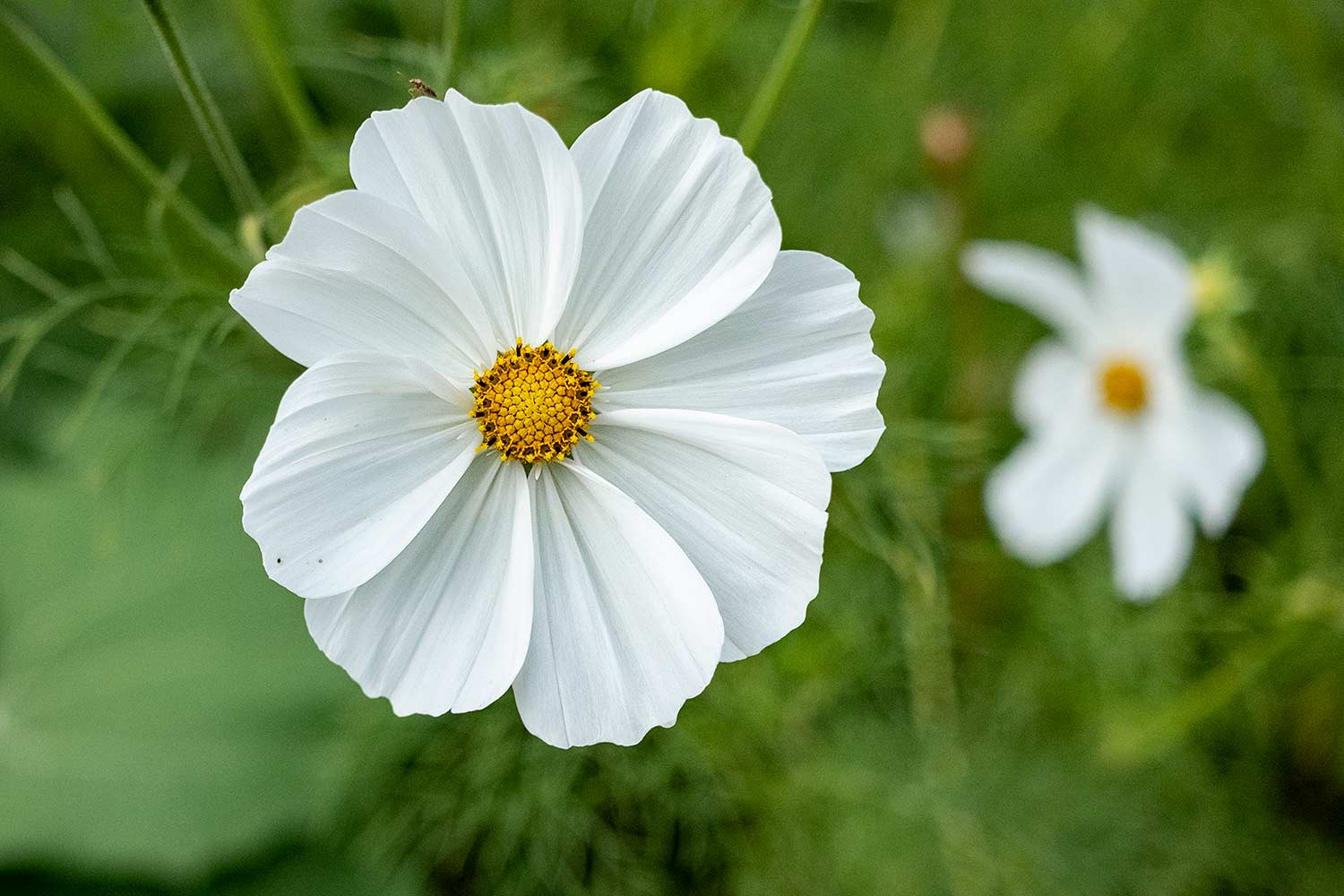
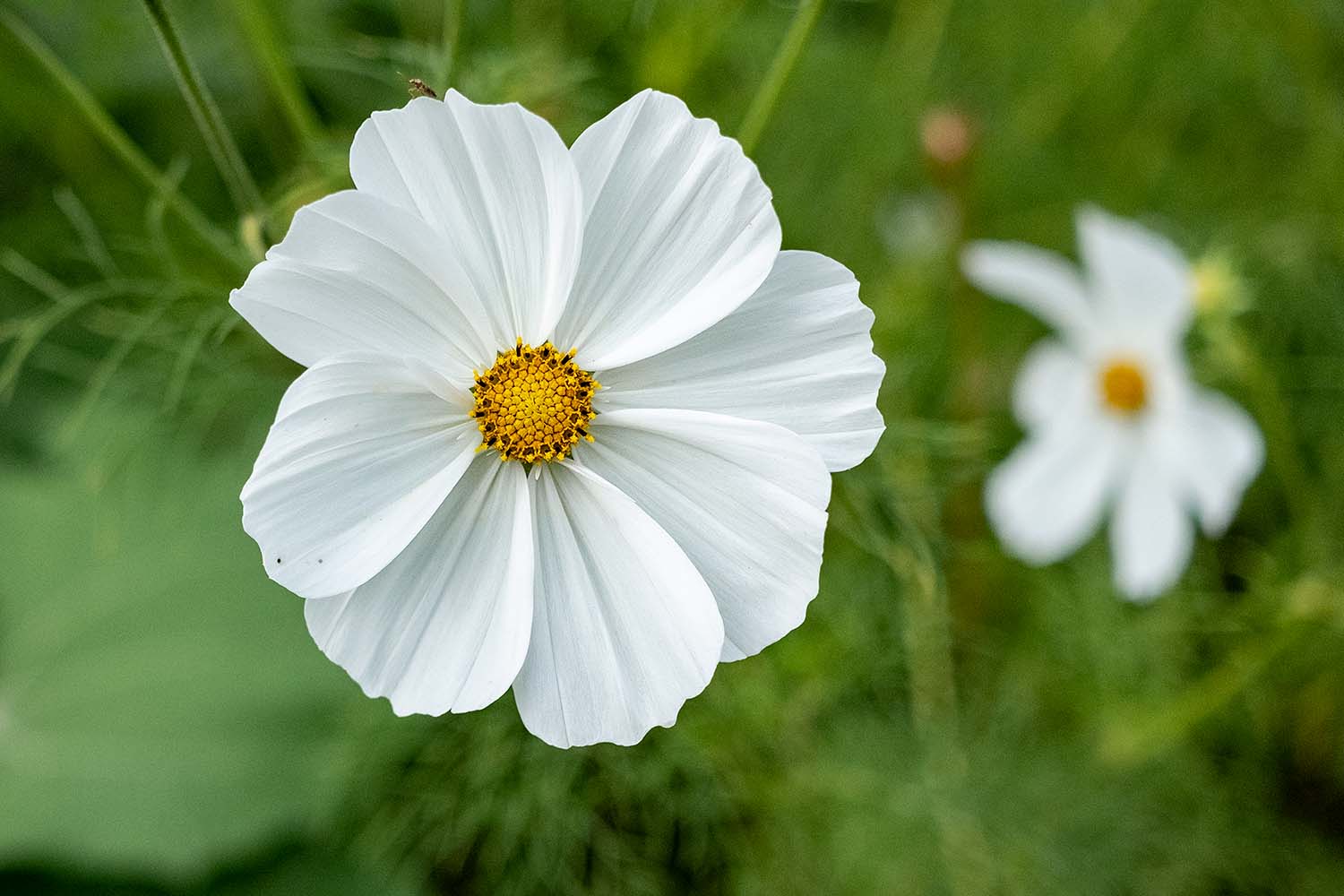
And that is what this poll is, so I can see what you think (because I spend too long staring at photos to be confident that I am seeing what I think I am seeing).
Let me introduce the idea of the poll this way: If I saved an image at best quality (excellent or 100%) and at worst quality (1% or very poor) then it would be easy to see the difference.
One would be blurry and the other would be clearer and crisper, sharper and more pleasing to look at.
So ‘clearer and crisper’ is the phrase I have used here in this poll.
And I am asking you to say whether one image looks clearer and crisper than the other, and which one – or to say that to your eyes they look about the same.

Leave a comment