One of the nice things you can do with the P5100 is choose from a list of image sizes, from the largest 4000×3000 pixels down to 1 megapixel and beyond (for TV) as well as square format and 16:9 letterbox format.
The square format appeals to me, as does the ability to put a black keyline around the shot after it has been taken. It looks very attractive.
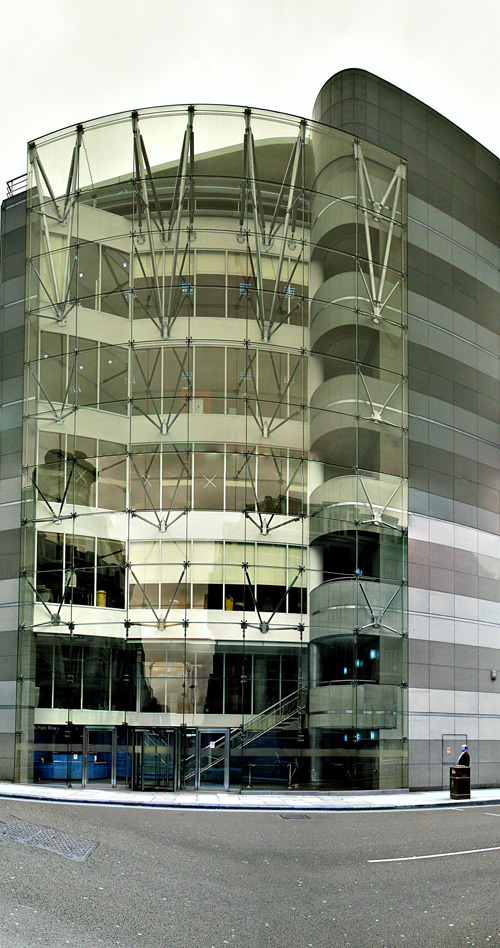
But the appeal of smaller image sizes comes into its own with composite shots. Composite shots – called Photomerge in Photoshop, are made by taking a number of shots dotted around a large subject, making sure to cover every part of it and even beyond its boundaries, and then using the photomerge function in Photoshop (file > automate > photomerge) to merge them into one composite image.
And therein lies the potential for a problem. Because if I take twenty shots of a building and each shot is 12 megapixels, and then ask Photoshop to merge them and blend them into one image, well that is a lot of images and a lot of processing power needed to deal with it. I have produced images with a Macbook Pro that at some stages in the photomerge process are over 1.2GB in file size.
Hence the attraction of using 5 megapixel images to build up the picture rather than the full 12 megapixel ones.
Photomerge is a very powerful tool that deals with differences in exposure in the shots taken around an image very well. I have tried using the Manual setting but Aperture Priority produces good results, even when some individual shots seem dark (such as is caused by strong backlighting) when seen in the LCD when taking the shot.
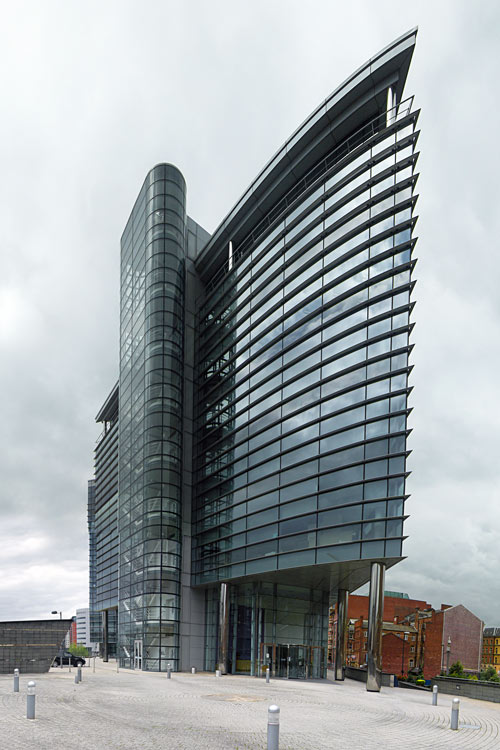
This building is opposite the railway station in Leeds, England and it extracts lots of drama out of a setting that is not that auspicious.

Leave a reply to David Cancel reply