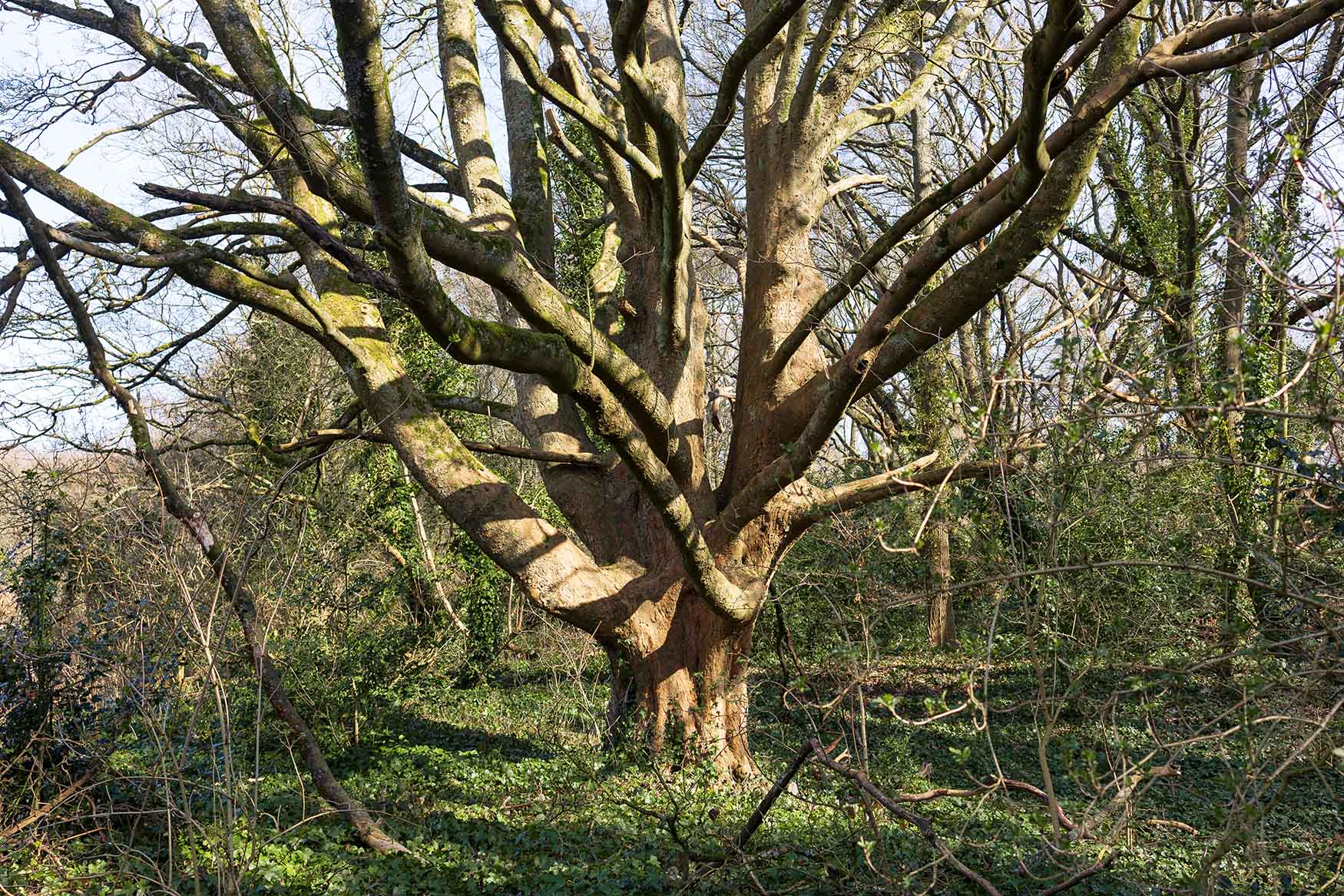
When I save an image as a jpeg for the Web, I try to keep the file size under 250KB.
I save at a low quality (higher compression) of 2 or 3 on a scale that goes from 1 to 6. If I saved at 6, the compression would be small and the file size would be bigger.
But it’s just not necessary to save at low compression when it’s for displaying on a screen.
To explain what is happening, the code that drives jpegs looks for adjacent blocks of the same colour in the image.
If it finds them then it combines them as it saves.
That keeps the file size smaller than with subjects where adjacent pixels are not similar in colour and have to be saved separately.
The images with the biggest file sizes when saved for the Web, are images of nature.
Leaves, for example, have delicate hues and the hues vary across even a small part of a leaf. So the code that drives jpegs cannot reduce leaves to little blocks of similar colour very easily.
It gives me a certain pleasure to know that nature is complex and is not easily reduced.

Leave a comment