This is my first post using the WordPress app that I installed on my iPhone ages ago and have not used.
Or rather, I recall that WordPress made the app for mobile blogging but it had some bugs.
The version I have installed is a later version but I did not keep up with the info on whether this latest version of the app is bug-free.
I couldn’t see a way to add images while I was typing but as soon as I tapped ‘Done’ I could see various options, which I will try now.
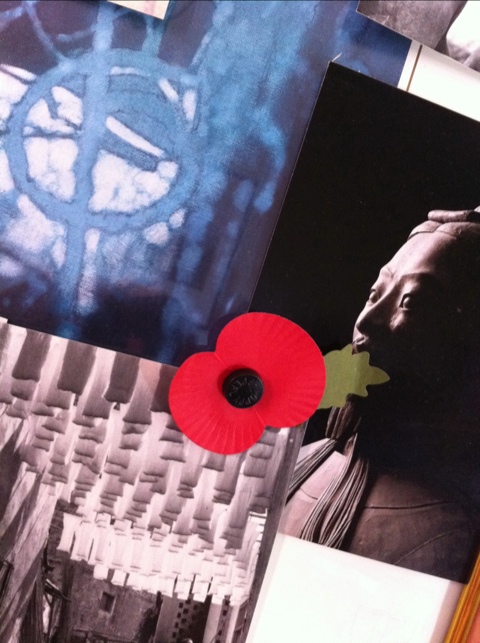
By the way, the image is a quick grab with my iPhone camera of a couple of the postcards I have stuck on the wall, and a poppy from Remembrance Sunday last year.
Update
I published this short article and then saw that the image was over to the left.
Looking at the code here in the app I could see that the setting was alignnone.
I changed this to aligncenter and updated and it worked OK.
The update published very quickly, which is good.
Publishing is a bit fiddly but I was able to add in a non-breaking-space before and after the image and to make the subheading bold.
I can see that with a bit of practice this could work!
Second Update
The WordPress app is said to work with WordPress self-hosted blogs. I tried to get it to work with a couple of my self-hosted blogs but as you will see for yourself if you look at the WordPress forums, the app is failing miserably on self-hosted blogs with many people unable to authenticate their username and password despite having everything set up correctly.
I had the same problem just now. Something that Automattic, the owners of WordPress, needs to work on.

Leave a comment