
The rose on the right is a duplicate of the one on the left. I used Displacement Map in Photoshop to alter it.
Go to Distort > Displacement Map, and it will ask you for an image to use as a displacement map. Which means you need an image to use for that purpose. I recommend something that has ‘dramatic’ lines to it, such as the black and white image below. I made the image totally in Photoshop by drawing black lines and then copying and re-copying sections of it across the image.
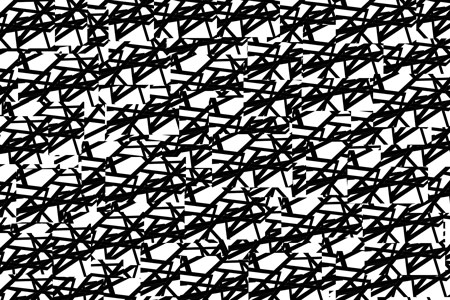
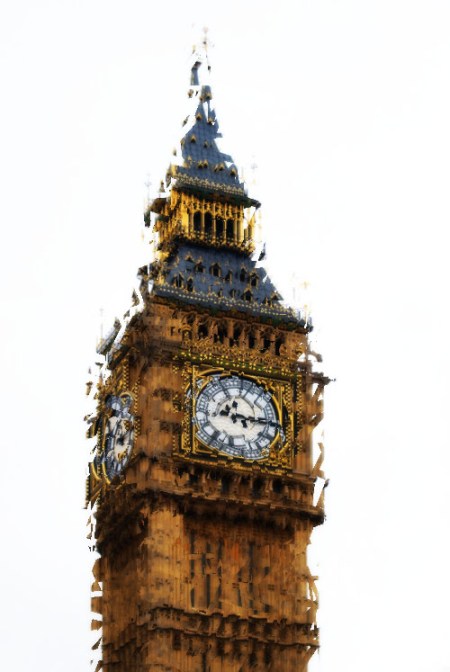
And the following shots of Big Ben show what using that displacement map can produce.
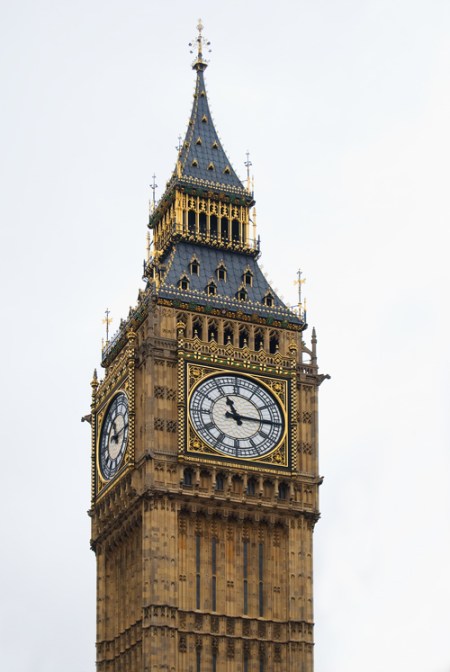
And now, abracadabera:

Leave a comment