Twitter homepage allows users to import an image and set a background colour.
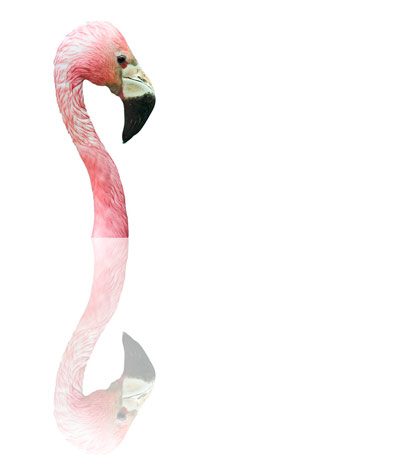
I shot an image of a flamingo at The Wildfowl and Wetland Trust sanctuary at Slimbridge. In Photoshop CS3 I cropped it to make the basis of the image I wanted. I then doubled the height of the canvas, and then went back in history and copied the original. I then went forward to the version with the doubled canvas, and pasted in the original.
Now I used Edit > Transform > Flip Vertical to flip the top image to make a reflection and then moved it down to marry up with the top image. I then lowered the opacity of the lower image until it looked like a reflection, then flattened and made a jpeg.
And no, I didn’t know what I was going to do before I did it. I knew I liked the crop and I knew I didn’t like the abrupt cut-off at the bottom of the neck, so the reflection evolved out of the desire to solve that problem.

Leave a comment