If you haven’t clicked on Auto levels or Auto Color in Photoshop CS3 when you are processing images then I recommend you do.
When I am processing shots in Photoshop CS3 I often click on Auto Levels or Auto Color (Image > Adjust > Auto Color) to see that the effect is, and quite often I’m surprised at the result Auto Color produces.
It’s not a question of whether I like the result but rather, than I am surprised at what a powerful tool it is. It reminds me of the color recovery capabilities in scanning old, faded color photographs. The results are often nothing short of amazing.
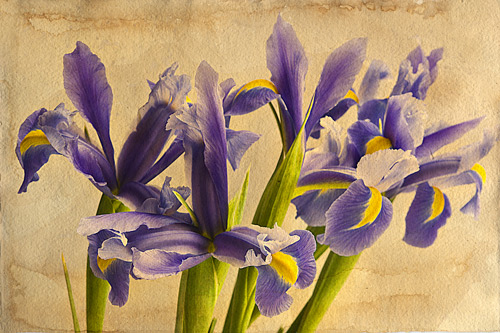
I clicked on Auto Color when I was processing this shot, but it took all the yellow out of the background I had carefully put in, and whilst it opened up the shot, it was not what I was looking for. This shot of irises is pasted over a shot of a sheet of art paper I had soaked in coffee and let dry.
I am building up a small collections of backgrounds over which to lay photographs.
Irises

Leave a comment